MediaDB
Standalone offline app for macOS

MediaDB is an essential tool for small post production houses and freelancers who work with large quantities of hard drives and discs. The app helps create a database of all the hard drives and files in use. It allows you to search for files and browse directory trees while the drives are offline. MediaDB can also be used to create an RCP file for DaVinci Resolve from an EDL during the film conforming process.

Cechy

  • Manage hard drives and discs offline
  • Index files like source material, archive footage and more
  • Search for files without connecting a drive
  • Create RCP files with EDL for Resolve Collect

The perfect tool to manage a huge archive of drives in small post-production studios or for freelancers.

The demo version allows to scan the first 50 files on each drive.

Requires macOS 11.5 or later

Manage hard drives and disc archives easily.

Index Drives

Scans the hard drives and add them it to the database. Make sure every drive has a unique name. If you add or remove files from the drive you can scan it again and the database will be updated.


Search files without the drive

Use MediaDB to find a file when you need it without connecting any drives to your computer.

Group file sequences

When selected, each file sequence will be presented in the format filename[start-end].extension


Get Folder Size

Select a folder and press the “Get Folder Size” button to calculate the size of all folders and files recursively.

Conform

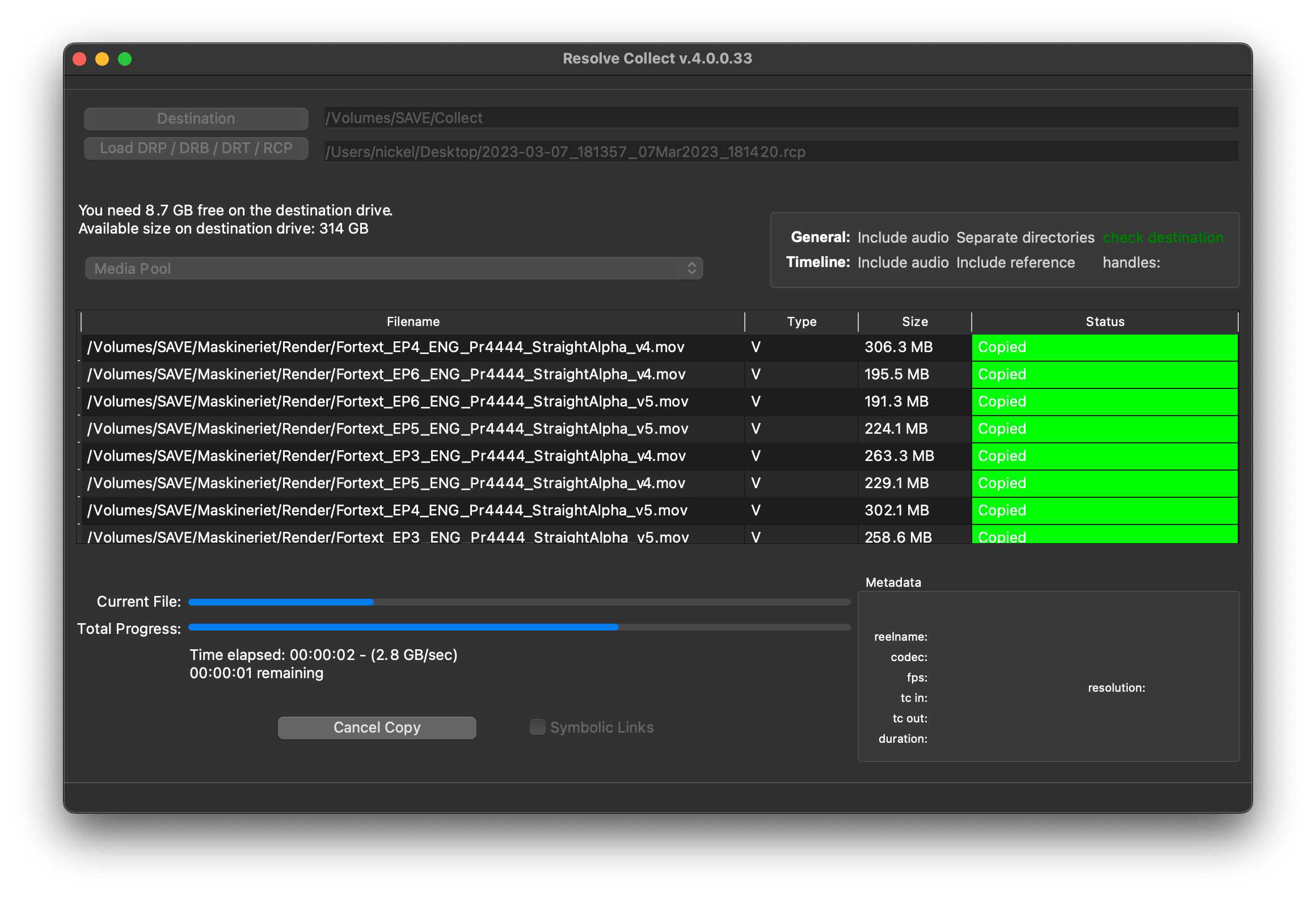
Import an EDL from any NLE with full reel names (e.g. File_129), and MediaDB will find the files and tell on which drives they are on. It will also create an RCP file, which you can then use with Resolve Collect to copy all the files.

Use cases of MediaDB

Film Editors working on multiple projects often need to use multiple discs to store source footage and other assets. Often, the editor also manages their own archive of stock videos, music, and graphics on multiple discs. Later in the project, a special file may be required. Rather than connecting hard drives to the computer and trying to find the correct file, MediaDB can easily locate the file, so there's no need to connect different hard drives anymore. A quick search in the app is enough to find the necessary file and locate the correct disc. This is especially useful if the archive includes SD cards, USB sticks, and other virtual drives.


Wybierz swoją licencję

We offer three types of licenses. The single-user license is ideal for freelancers who want to use the software on one or two computers. This license is tied to a single email address. For companies, we offer a team license, which is bound to the company. The number of licenses can be chosen upon purchase, with a minimum of three licenses. We also offer an enterprise option. Please contact our sales team for more information. All licenses are perpetual.

ℹ️ We recommend logging in before making a purchase to ensure easy access to software updates and your license.
Licencja dla pojedynczego użytkownika

loading...
TEAM LICENSE - STARTING WITH 3 USERS

loading...
Skontaktuj się z naszym zespołem sprzedaży, aby uzyskać licencję korporacyjną.
🇺🇸 Uwaga: wtyczka jest obecnie dostępna tylko w języku angielskim.
ℹ️ You will be redirected to the secure "Paddle" checkout. Paddle.com is the Merchant of Record.
ℹ️ Odwrotne ładowanie: If you are buying for a company and have a VAT ID, you may be able to use the reverse charge procedure in some countries. On the checkout page, click "Add VAT ID" on the left after selecting your country and postcode.

FAQ

Po pobraniu rozpakuj plik zip i uruchom plik .pkg. Następnie postępuj zgodnie z instrukcjami kreatora instalacji.
From the app menu, select File > Register. Enter your email address in the "Name" field and your license key in the "Key" field.
To remove a license from a device, choose File > Register from the app menu. Click on "Remove License".
You can save the database file to a server and connect to it there. However, be aware that the connection speed will be much slower. For the best speed, it’s better to have one master database file that you distribute to all the machines that need to access it.
Tak, jeśli dostępne są aktualizacje, możesz pobrać je za darmo.
Nie, ta aplikacja działa w trybie offline i nie udostępnia żadnych danych Twojego projektu online.
Ta aplikacja jest obsługiwana tylko w systemie macOS.
Możesz po prostu usunąć plik .app ze swojego komputera.
Jeśli potrzebujesz funkcji aplikacji, nowej opcji lub niestandardowej wersji, wyślij nam wiadomość. Zapewniamy niestandardowe rozwiązania dla Twojej firmy.
Nikolai Waldman leads development for this app, which is published and distributed via EditingTools.io.

Nie otrzymałeś odpowiedzi? Nie wahaj się skontaktować z naszą pomocą techniczną w dowolnym momencie.


Tags


macOS Tools