1. Export a SRT subtitle file from Live Timecode Notes app
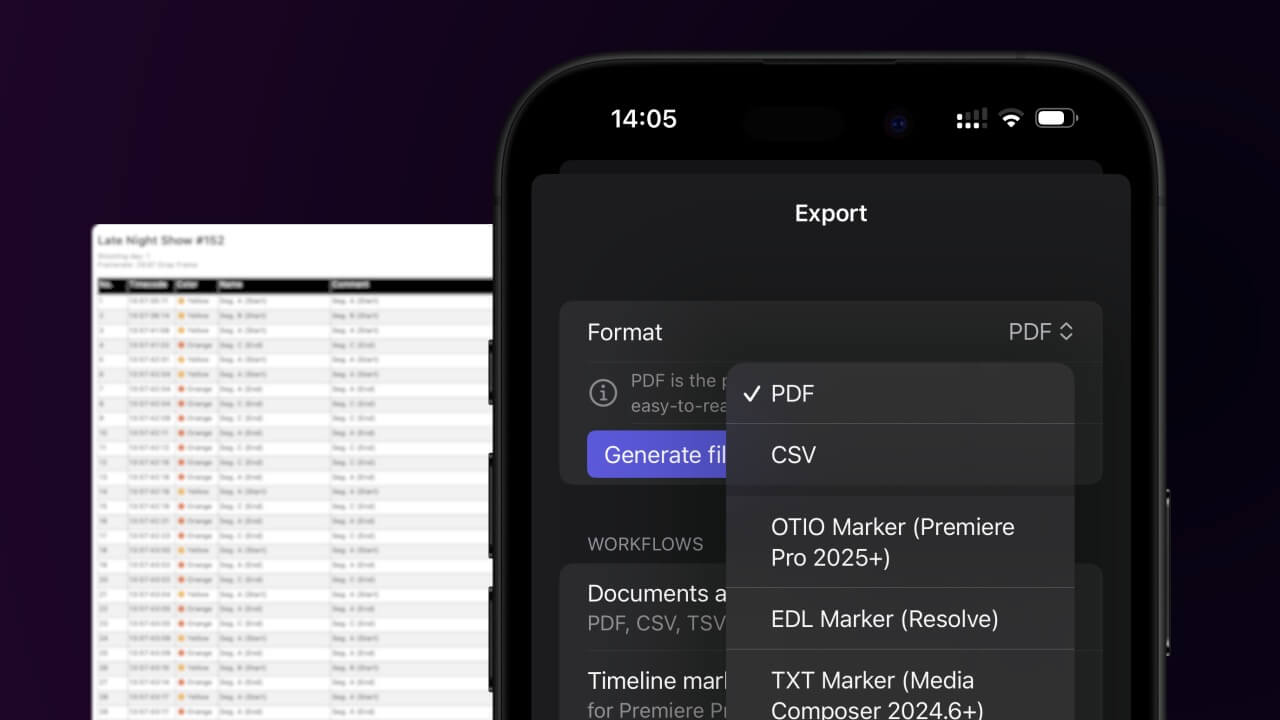
Open the project in the app, then select "Export Notes" from the top menu. Select "SRT" and activate "Sort by Timecode". Generate and save the subtitle file.
2. Import the SRT subtitle file in Adobe Premiere Pro
Open your project in Premiere Pro and go to File > Import. Select the SRT file and import it. You can drag and drop the subtitle file simply into your sequence.
🚀 Gotowe
To na razie wszystko! Jeśli ten samouczek okazał się przydatny, udostępnij go, aby nas wesprzeć. Jeśli masz sugestie, jak moglibyśmy usprawnić ten przepływ pracy, daj nam znać!