1. Export a CSV file from Live Timecode Notes app
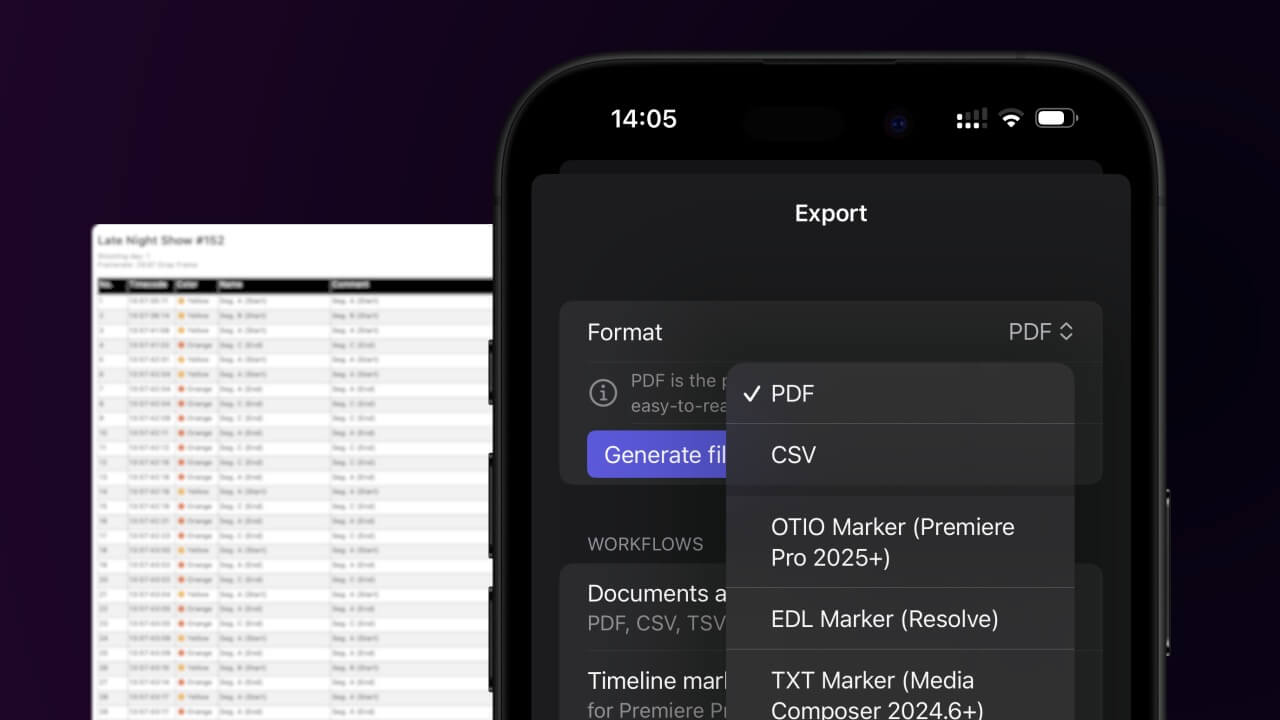
Open the project in the app, then select "Export Notes" from the top menu. Select "CSV". Generate and save the file.
2. Use the "Narzędzie do napisów i konwerter" to convert the CSV file into a DFXP subtitle file
Open the free Narzędzie do napisów i konwerter, select "CSV" and set "convert" to "DFXP". Generate and download the file. Jeśli masz problemy z konwersją pliku, możesz skontaktować się z bezpłatną pomocą techniczną.
Make sure the CSV contains a column called "Timecode In", "Timecode Out" and "Subtitle". Otherwise it will not work.
🚀 Gotowe
To na razie wszystko! Jeśli ten samouczek okazał się przydatny, udostępnij go, aby nas wesprzeć. Jeśli masz sugestie, jak moglibyśmy usprawnić ten przepływ pracy, daj nam znać!